Top 10 Things You May Not Know About ArcGIS Online
January 12, 2026 2026-01-12 7:35Top 10 Things You May Not Know About ArcGIS Online

1. ArcGIS Online Comes with ArcGIS Desktop
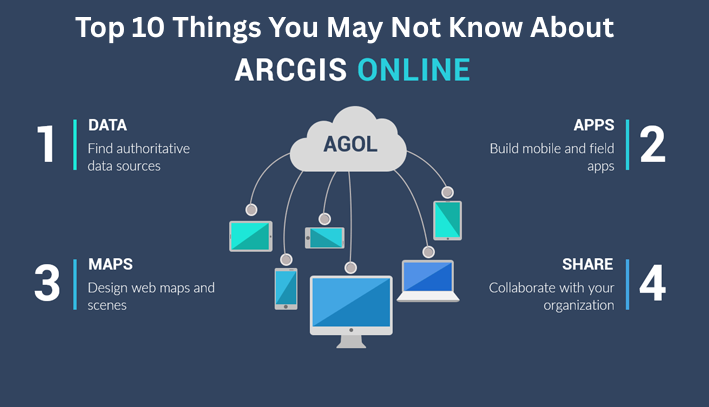
Every ArcGIS Desktop license that’s current on maintenance includes an ArcGIS Online subscription. Once you activate your account, you gain access to a wide range of ready-to-use maps, apps, and authoritative data.
2. ArcGIS Pro Is Activated through ArcGIS Online
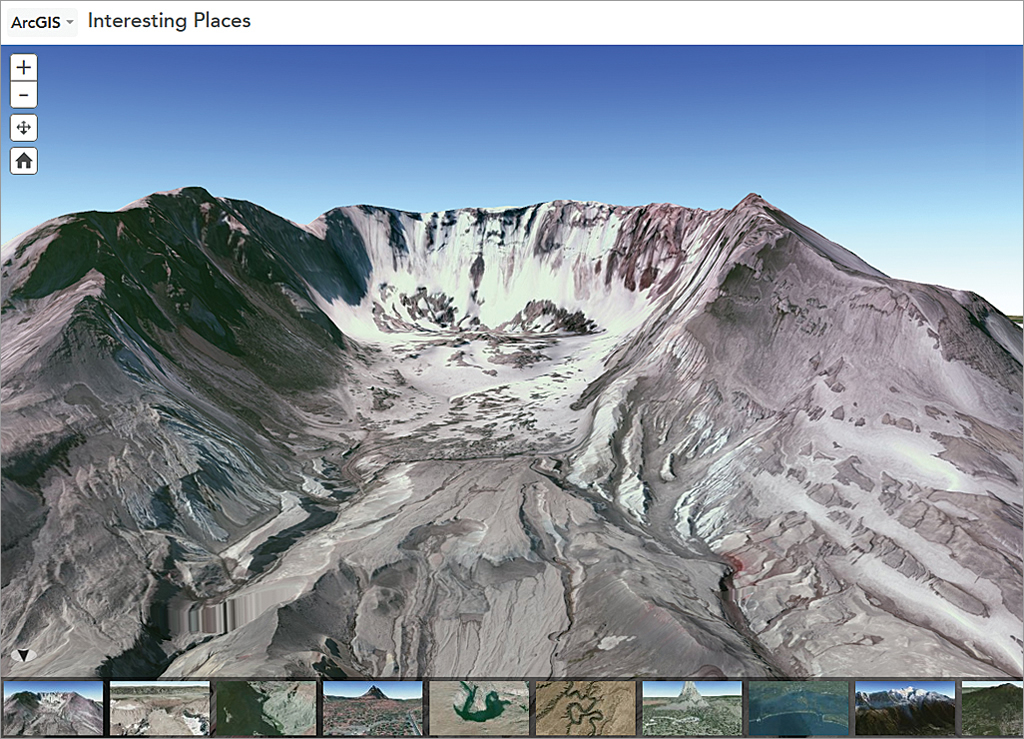
ArcGIS Pro uses named user licensing, which is managed through ArcGIS Online. With ArcGIS Pro, you can work seamlessly in both 2D and 3D, use multiple layouts and displays, and publish your work directly to ArcGIS Online for sharing in Map Viewer or Scene Viewer. Its 64-bit architecture ensures faster data processing and improved performance.
3. A Rich Collection of Maps and Data
ArcGIS Online hosts an extensive library of basemaps, imagery, elevation, and thematic datasets from Esri and thousands of global organizations. Through the Living Atlas of the World, you can explore demographic, environmental, climate, business, and landscape data. Tools like Enrich Layer allow you to add Esri Demographics—such as population, household, and spending insights—to your analysis.
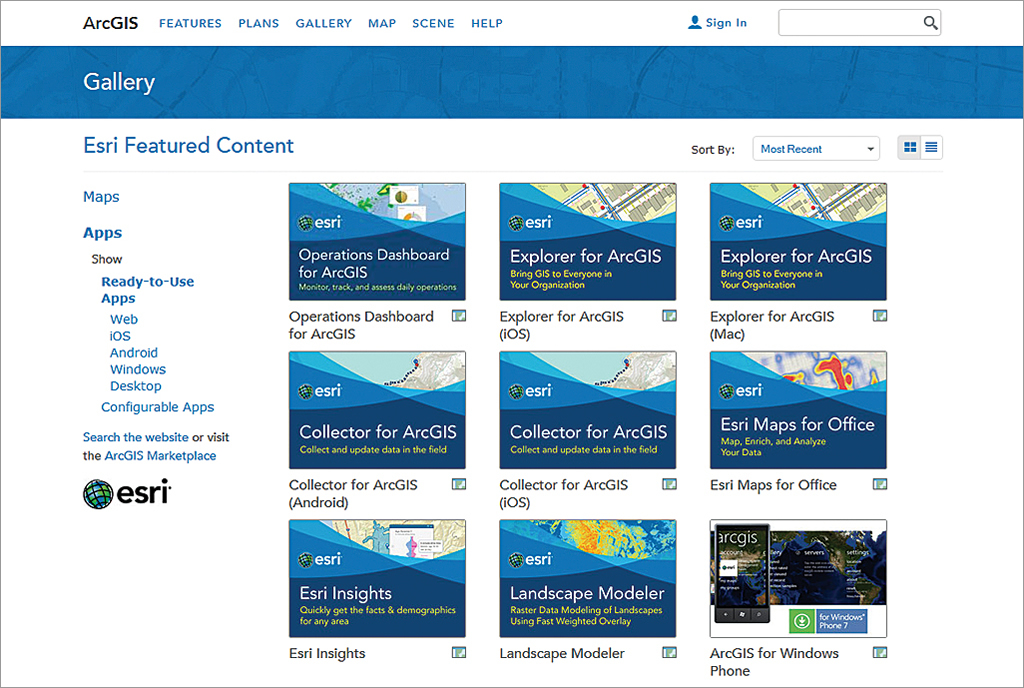
4. One Subscription, Multiple Apps, Any Device
An ArcGIS Online subscription gives you access to productivity apps across browsers, smartphones, and tablets. Field teams can collect and update data using mobile apps, while office users can map spreadsheet data directly in Microsoft Excel with Esri Maps for Office. These apps are available to ArcGIS Online subscribers and ArcGIS Desktop and Server users.
5. Tell Compelling Stories with Maps
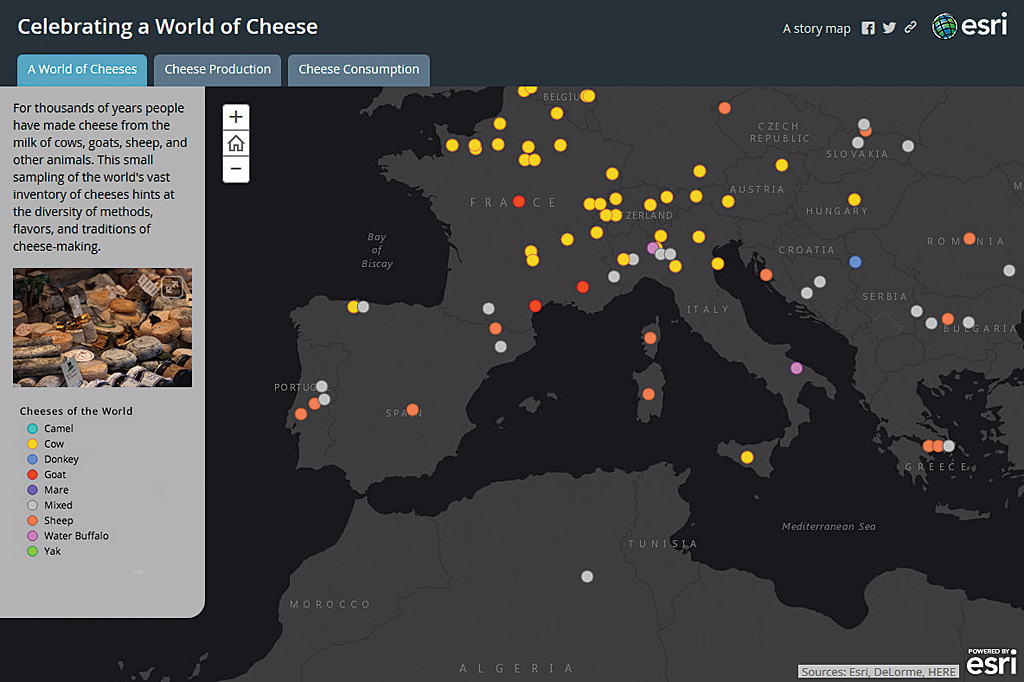
With configurable web app templates and Story Maps, it’s easy to combine maps, text, images, and multimedia into engaging, interactive stories that clearly communicate your message.
6. Build Custom Apps—No Coding Required
Using tools like Web AppBuilder, you can create responsive HTML and JavaScript applications without writing code. Simply choose from prebuilt widgets and themes to design apps with a custom look and feel in minutes.
7. Powerful Tools Built In
ArcGIS Online includes essential tools for geocoding, routing, and directions. World Geocoding supports over 100 countries, enabling address searches, reverse geocoding, and batch processing. Route planning tools help optimize travel, reduce fuel use, and minimize emissions by generating efficient routes and turn-by-turn directions.
8. Advanced Analysis Made Simple
Explore spatial analysis tools in ArcGIS Online to uncover patterns, trends, and relationships in your data. Visualize results directly on maps and gain insights that support smarter, data-driven decisions.
9. Industry-Focused Solutions Ready to Use
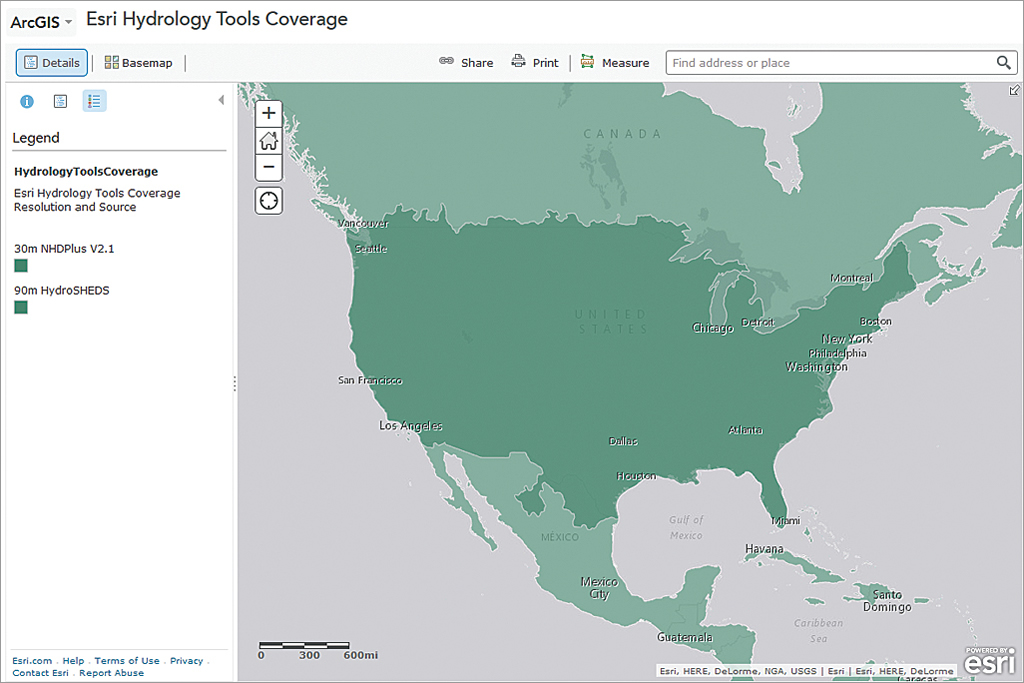
ArcGIS Online provides access to ArcGIS Solutions—preconfigured maps and apps designed for specific industries and local government workflows. These solutions can be quickly customized to improve operations and service delivery.
10. Robust Resources for Developers
ArcGIS for Developers offers everything needed to build geo-enabled web, mobile, and desktop applications. By signing in with an ArcGIS Online organizational account, developers can access APIs, ArcGIS Runtime SDKs, basemaps, imagery, and cloud services like geocoding and spatial analytics. Flexible plans make it easy to move from development to deployment.
Learn more about ArcGIS Online here.