
Get More from ArcGIS StoryMaps: Tips for a Faster, Smoother Reader Experience
August 10, 2026 2026-08-12 12:47
Get More from ArcGIS StoryMaps: Tips for a Faster, Smoother Reader Experience
A compelling story should keep readers focused on the narrative; not waiting for maps, videos, or interactive content to load. When creating an ArcGIS StoryMaps story, performance is an important part of the storytelling experience. The content you include, how you organize it, and the devices your audience uses can all influence how smoothly your story performs.
Here are some practical ways to create StoryMaps experiences that are engaging, accessible, and responsive.
Design for Your Audience
Before adding interactive content, think about who your readers are and how they will access your story. Someone viewing your story on a desktop with a fast connection may have a very different experience from someone using a mobile phone on a slower network.
Design your story with your audience in mind by:
- Balancing interactive and lightweight content
- Avoiding too many resource-intensive elements in one section
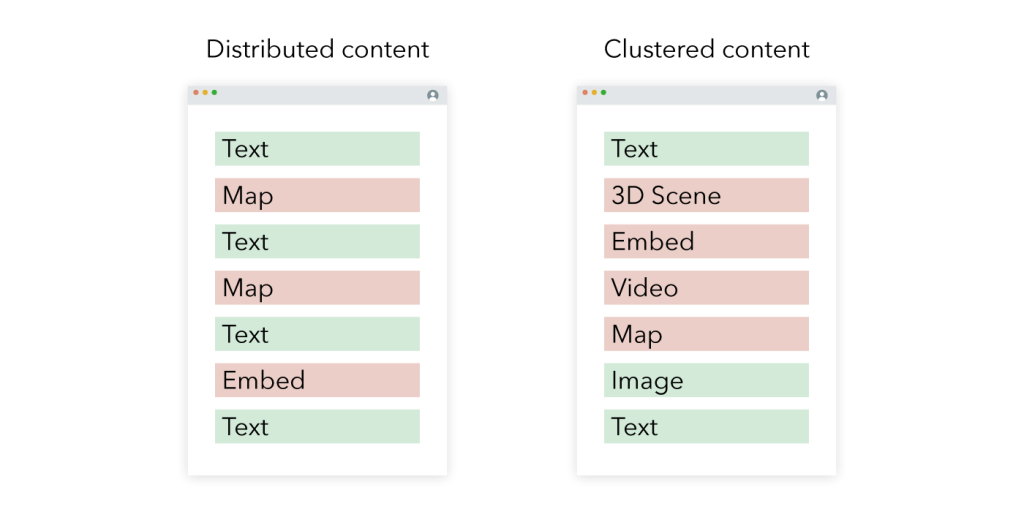
- Spreading heavier media throughout the narrative
- Keeping immersive sections manageable
- Breaking very long stories into collections when appropriate
A well-planned structure can help prevent multiple heavy elements from loading at the same time.
Keep Your Maps Focused
Maps are often central to a StoryMaps experience, but adding too much information can affect performance. Before adding a web map to your story, ask yourself: Does the reader need every layer?
Consider:
- Removing unnecessary or unused layers
- Keeping interactive maps to fewer than 10 layers
- Using static or express maps when interactivity isn’t essential
- Reusing maps where appropriate instead of repeatedly loading different versions
- Using the Review Map tool in Map Viewer to identify potential performance improvements
The goal isn’t to remove information simply for the sake of speed. Instead, make sure your map displays the information that supports your story.
Choose Media with Purpose
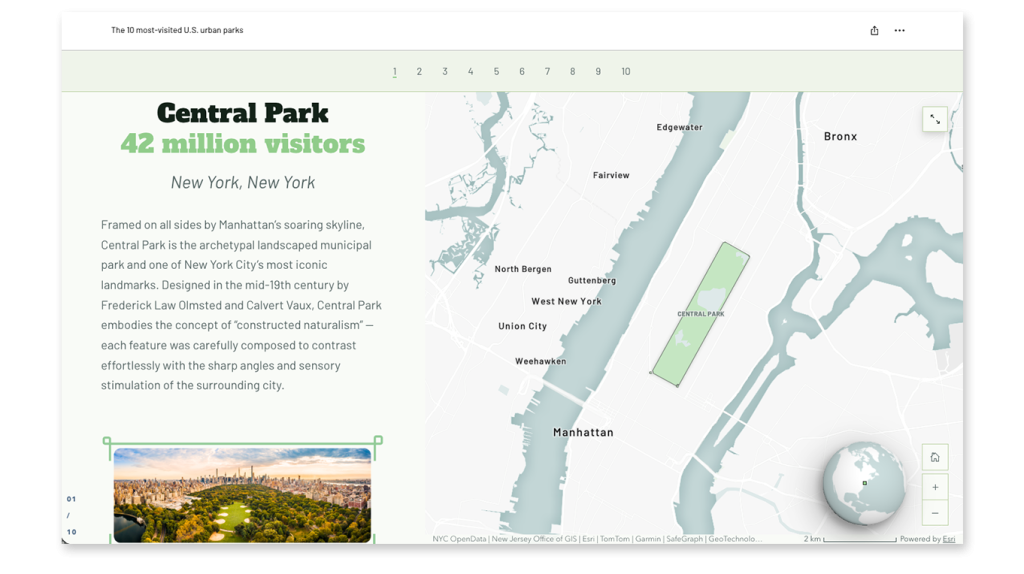
Images, videos, and GIFs can make a story more engaging, but different media types can have different effects on loading times. For audiences with limited bandwidth, consider using images where a video isn’t essential. If you do use video:
- Keep videos concise
- Optimise them for web viewing
- Be selective when using video as cover media
- Avoid placing multiple heavy media elements together
- Consider embedding larger videos through platforms such as YouTube or Vimeo
Remember that media should support the story rather than compete with it.
Be Strategic with Embedded Content
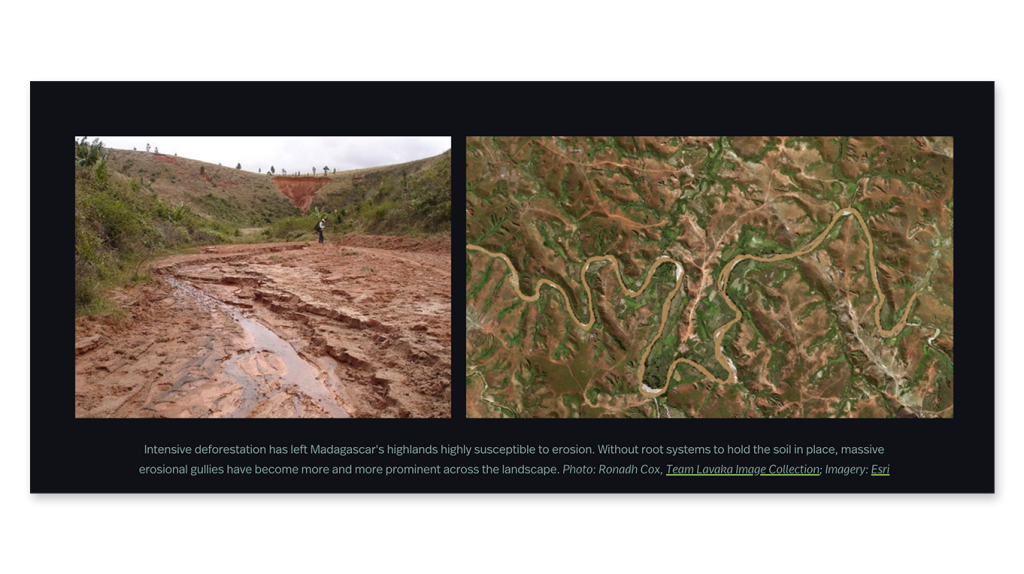
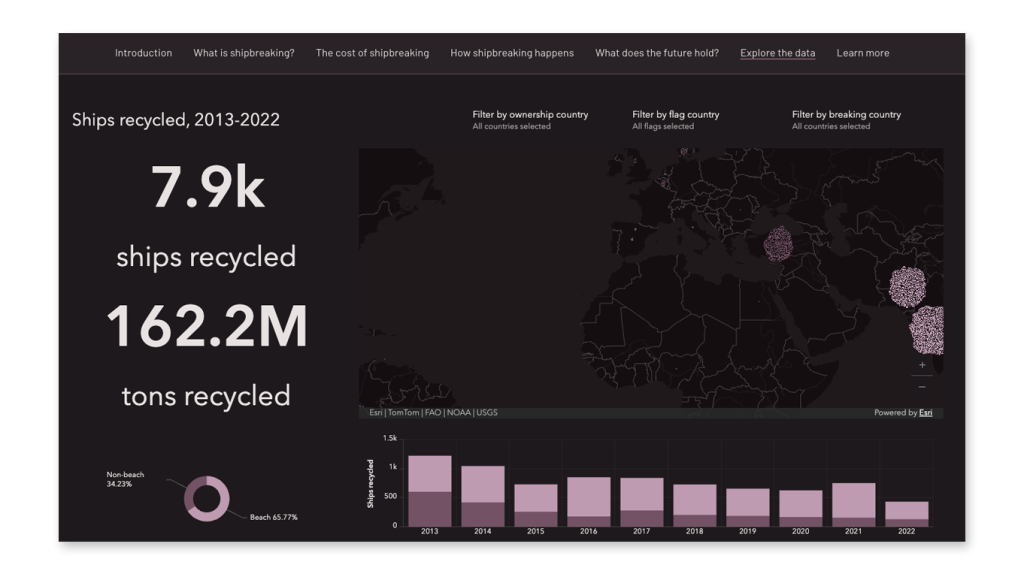
Live embedded applications can add valuable interactivity, but complex embeds can also require significant resources. If your audience may have limited bandwidth, consider whether a live embed is necessary. In some situations, a static image, card, or hyperlink can provide a better experience.
For heavier embedded applications, place them away from other resource-intensive content and test how they perform on mobile devices.
Test Before You Publish
One of the simplest and most important ways to improve StoryMaps performance is to test your story before sharing it. Don’t only test it on the device and network you normally use. Ask colleagues or other users to open the story and provide feedback.
You can also use browser developer tools to simulate:
- Slower internet connections
- Mobile devices
- Reduced processing power
Testing can help you identify sections where maps, videos, or embedded content take longer to load.

Create Stories That Work for Everyone
Story performance isn’t just about speed. It’s about creating a better experience for your audience.
By carefully structuring your narrative, simplifying maps, selecting media thoughtfully, managing embedded content, and testing before publication, you can create ArcGIS StoryMaps experiences that are both visually engaging and accessible across different devices and connection speeds.
Great storytelling isn’t about adding as many interactive elements as possible. It’s about choosing the right elements and using them where they add the most value.
To learn more about ArcGIS StoryMaps, join the chat. Register: https://ow.ly/Bebw50ZulPs