
Got Five Minutes? Get to Know Local Data in ArcGIS Business Analyst Pro
August 7, 2026 2026-08-10 7:08
Got Five Minutes? Get to Know Local Data in ArcGIS Business Analyst Pro
Location intelligence is only as valuable as the data behind it. If you use ArcGIS Business Analyst Pro, understanding local data can help you unlock faster analysis, reduce operational costs, and work more efficiently – especially when handling large datasets or operating in environments with limited internet connectivity.
Here’s a quick guide to what local data is, why it matters, and how it can improve your Business Analyst workflows.
What is Local Data?
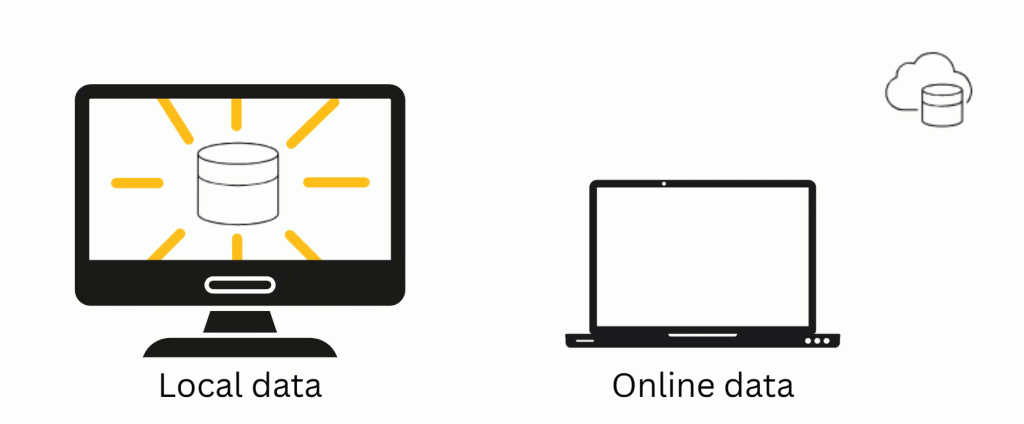
Local data refers to country-specific Business Analyst datasets that are downloaded and stored on your computer or network drive instead of being accessed through the cloud. Unlike online data, which requires an internet connection and consumes ArcGIS credits for many enrichment workflows, local datasets are stored on your own infrastructure. Once licensed and installed, they can be used repeatedly without additional credit consumption.
Currently, Business Analyst Pro local datasets are available for the United States, Canada, India, and Japan through Esri and selected regional distributors.
What’s Included?
A local Business Analyst dataset provides far more than demographic information. Depending on the country, it can include:
- Demographic and socioeconomic data
- Consumer spending information
- Lifestyle and behavioural insights
- Points of Interest (POI)
- Drive-time and walk-time analysis data
- Report templates and infographics
- Configuration and documentation files
These resources allow organizations to perform advanced market analysis while working entirely from local storage.
What Can You Do with Local Data?
Most ArcGIS Business Analyst Pro workflows work seamlessly with local datasets, including:
- Customer and market analysis
- Target marketing
- Trade area creation
- Site suitability analysis
- Layer enrichment
- Benchmark comparisons
- Color-coded thematic mapping
Certain capabilities including custom data creation and infographic template design are only available when working with local datasets.
Why Use Local Data?
Using locally stored datasets offers several advantages.
Benefits
- No ArcGIS credit consumption for supported workflows
- Faster processing for large analyses and batch operations
- Reliable performance even with limited internet connectivity
- Shared access across multiple users within an organization
- Long-term access to purchased dataset versions
Things to Consider
Local datasets require significant storage space and are updated less frequently than their online counterparts. Organizations should also ensure they maintain an active ArcGIS Business Analyst license to continue using the data.
Getting Started
To use local data, you’ll need:
- ArcGIS Pro installed
- ArcGIS Business Analyst Pro licensed
- An appropriate local dataset purchased through My Esri or an authorized regional Esri distributor
- The accompanying data license applied during installation
Once configured, simply connect Business Analyst Pro to your local dataset and begin working without relying on online data services.
Why It Matters
Whether you’re selecting new business locations, analysing customer markets, or supporting strategic planning, local datasets provide speed, flexibility, and greater control over your data.
For organizations conducting frequent analysis or operating in secure or offline environments, local data can significantly improve productivity while reducing operational costs.