
Understanding ArcGIS Pro License Levels
February 6, 2026 2026-02-06 7:33
Understanding ArcGIS Pro License Levels
Introduced in 2018, the user type model groups apps and capabilities to match the needs of different GIS roles. ArcGIS Pro is available through the Creator, Professional, and Professional Plus user types, each paired with a specific license tier: Basic, Standard, and Advanced.
So, how do these ArcGIS Pro versions differ?
This article outlines what each license level provides, highlights practical use cases, and helps you determine which option best suits your workflows.
ArcGIS Pro Basic
The Creator user type includes ArcGIS Pro Basic, which supports editing, analysis, and data management, along with the ability to publish maps to ArcGIS Online.
This license level is well suited for users who need to explore, query, and carry out introductory spatial analysis. It also enables map production, simple data editing, and foundational cartographic work, making it a strong starting point for those new to GIS.
Key capabilities:
- Essential GIS functionality
- Basic editing and data management
- Map creation and visualization
- Access to geoprocessing tools with limited advanced features
ArcGIS Pro Standard
The Professional user type builds on Basic by adding the capabilities included in ArcGIS Pro Standard.
This level is intended for professionals who manage more complex spatial databases and workflows. It is particularly useful for utilities, government agencies, and organizations that require version control, network modeling, and structured data management. It also provides access to additional solutions such as ArcGIS CityEngine.
Additional capabilities beyond Basic:
- Creation and management of ArcGIS Enterprise geodatabases
- Versioned editing and geodatabase replication
- Advanced editing tools (for example, polygon construction and line splitting)
- Mosaic dataset creation and raster catalog management
- Configuration and use of trace networks
ArcGIS Pro Advanced
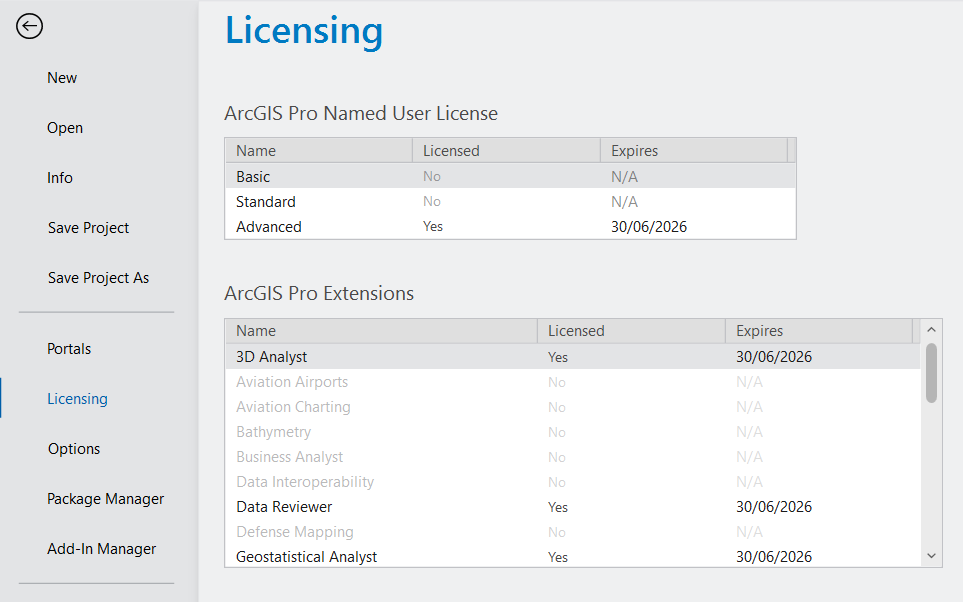
The Professional Plus user type includes ArcGIS Pro Advanced, which contains all Standard capabilities along with expanded analytical tools and nine widely used ArcGIS Pro extensions. Extensions can also be added separately depending on organizational needs.
This tier is designed for experienced GIS analysts working on advanced spatial modeling, remote sensing, and automated workflows. It is ideal for organizations that rely on sophisticated geoprocessing and rigorous data validation. Professional Plus also unlocks additional products such as ArcGIS Urban and ArcGIS CityEngine.
Additional capabilities beyond Standard:
- Utility network creation and management
- Advanced geodatabase tools (including topology and attribute rules)
- Flood simulation and exploratory spatial analysis
Included extensions:
- ArcGIS 3D Analyst
- ArcGIS Geostatistical Analyst
- ArcGIS Image Analyst
- ArcGIS Network Analyst
- ArcGIS Spatial Analyst
- ArcGIS Data Reviewer
- ArcGIS Publisher
- ArcGIS Workflow Manager
Learn more: ArcGIS Pro Extensions
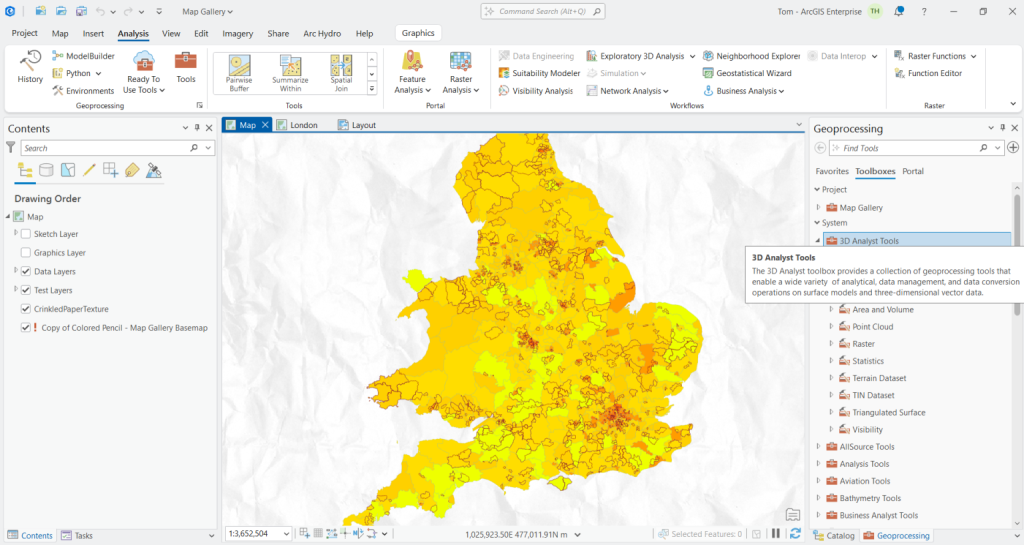
Whether you are just getting started with GIS or conducting complex spatial analysis, ArcGIS Pro’s tiered licensing model ensures you can access the tools that match your project requirements. The Basic license provides a solid foundation for learning and everyday spatial tasks. Standard supports organizations managing detailed datasets and operational workflows. Advanced, on the other hand, is designed for in-depth modelling and high-level analytical work, offering access to ArcGIS Pro’s most powerful capabilities.
This overview should help clarify the distinctions between ArcGIS Pro license levels and guide you in selecting the right option for your needs. Learn more: ArcGIS Pro Extensions